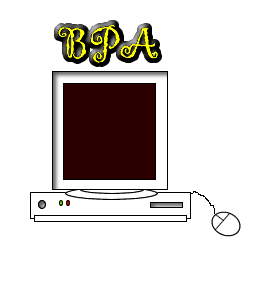
Here is an example of what you are going to build:
Be sure to move the mouse over the computer!
If at any time in the tutorial you would like to access another chapter, just come back to this introduction page and click on what chapter you would like to view. First we will get the computer image on your computer, then we will create
the "BPA" text. Finally we will add the pop-up menu.
|
\
|
|
|
|